
Member events, well organized
Dates, registrations, tickets and door entry in one place, so your board and volunteers stay on top of things.
From invitation to door entry
How club and association events typically run.
- 01
Create the date
Annual meeting or meetup with capacity and a template.
- 02
Open registration
Form, member price via access code, shop on your website.
- 03
Manage attendance
Filter registrations, use waitlist and reminders.
- 04
Run the event
Scan tickets at the door and split roles for board and helpers.
- 05
Follow up
Invoice PDFs with Billing if needed, or pay by invoice without the add-on.
 Events
Plan club nights and association days
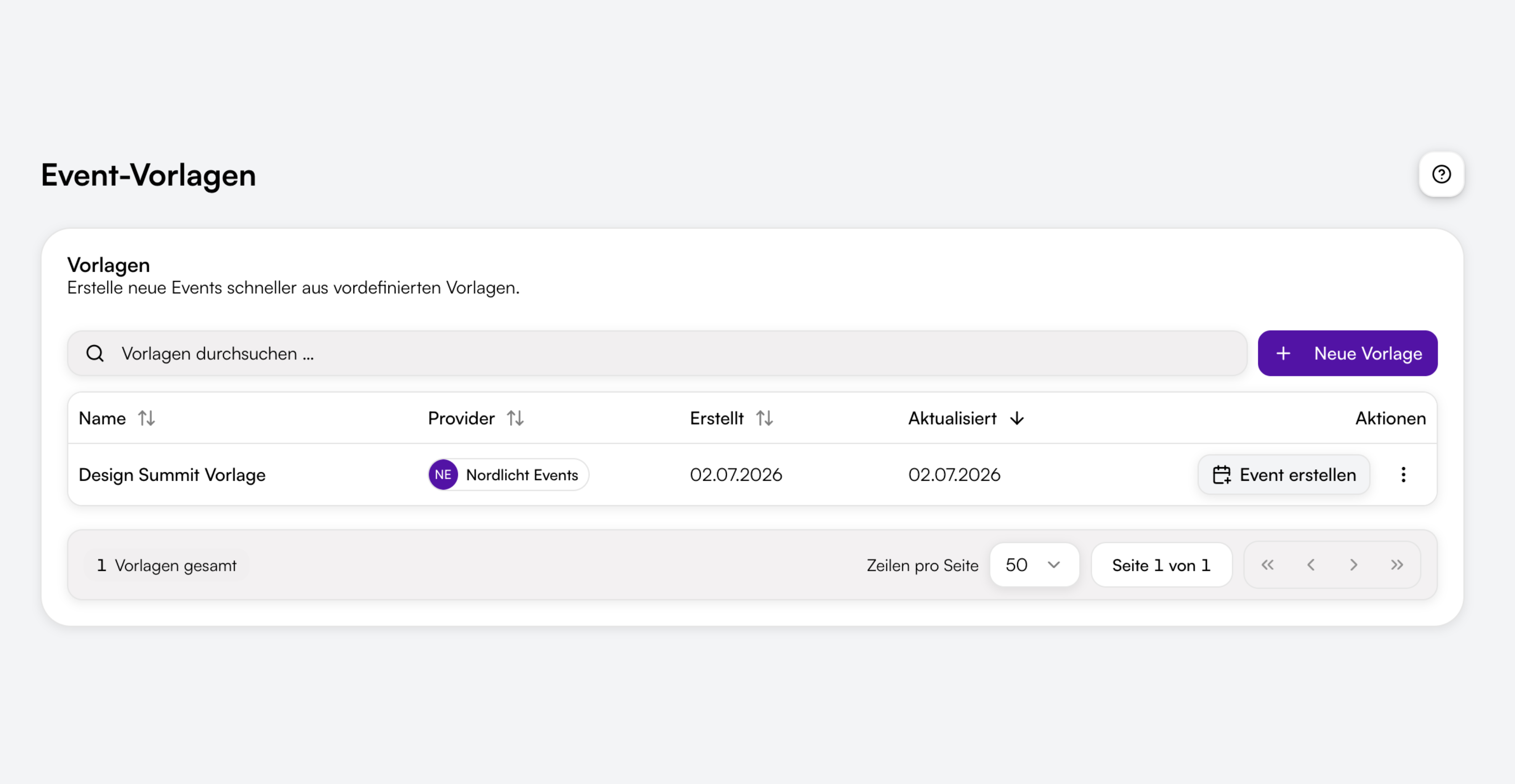
Annual meetings, tournaments, workshops or regional meetups with dates, capacity and a waitlist with automatic reopen emails. Event templates, for example for the annual general meeting.

Member details and recipients
Member number, meal preference or guest: required fields and conditional questions. Extra email field for the treasurer under Email recipients for Invoice, cancellation and payment info. Under Reminders you control date reminders before the event.
Roles for board and helpers
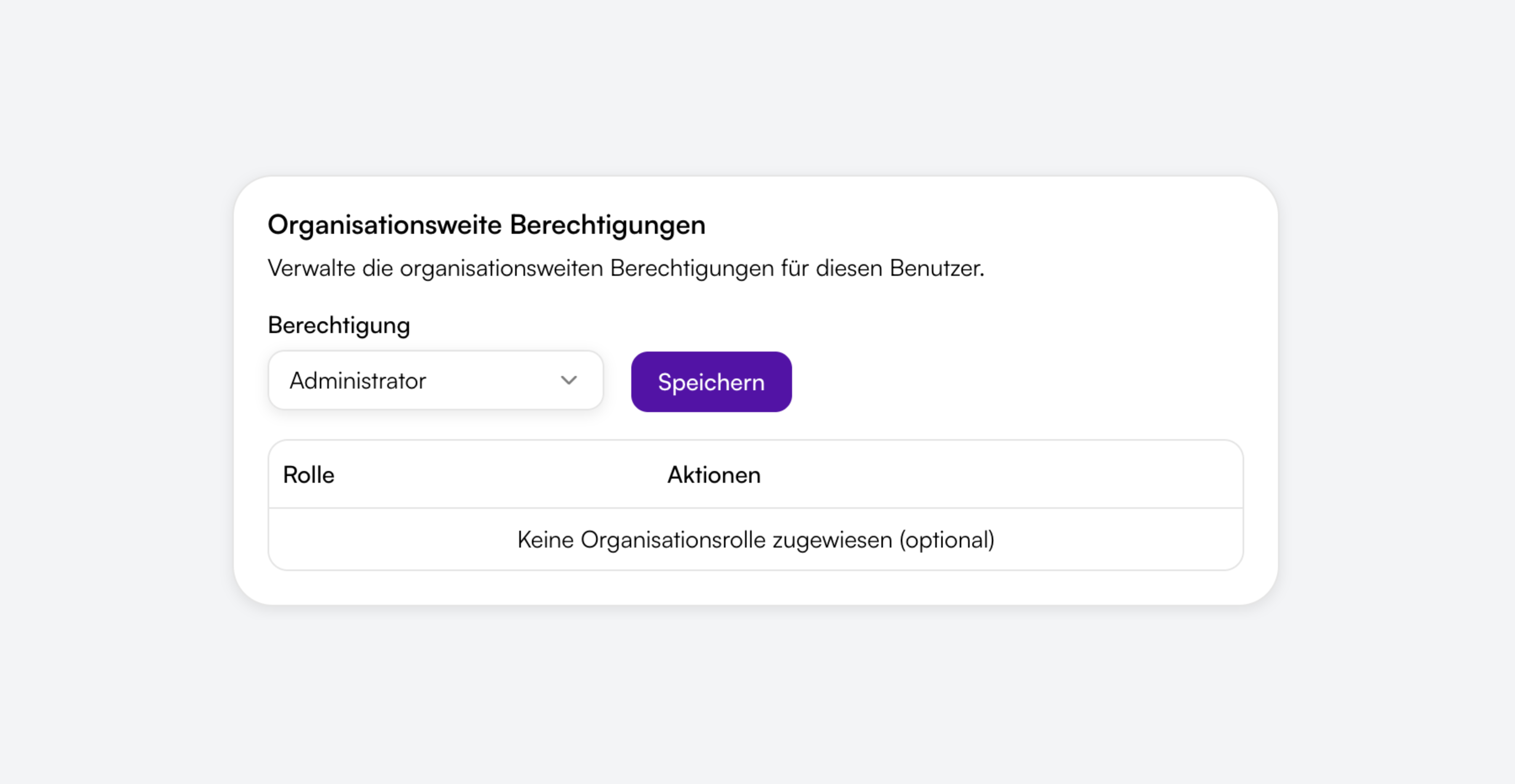
Roles such as Event manager, Attendee manager, Accountant and Scan entry. That way you split work between the board, attendee management and scanner helpers without everyone seeing everything.
Invoice and offer PDFs
Offer and invoice PDFs with the Billing add-on. Paying by invoice or bank transfer also works without Billing and without a platform fee.

Shop on the club website
Shop with theme, WordPress embed or custom domain, so registration appears on your club website.
Verfügbare Termine
Wählt einen Termin für eure Buchung.
Tickets wählen
Tag 1: Keynotes & Panels · Freitag, 30. Juli 2027
Access codes for members
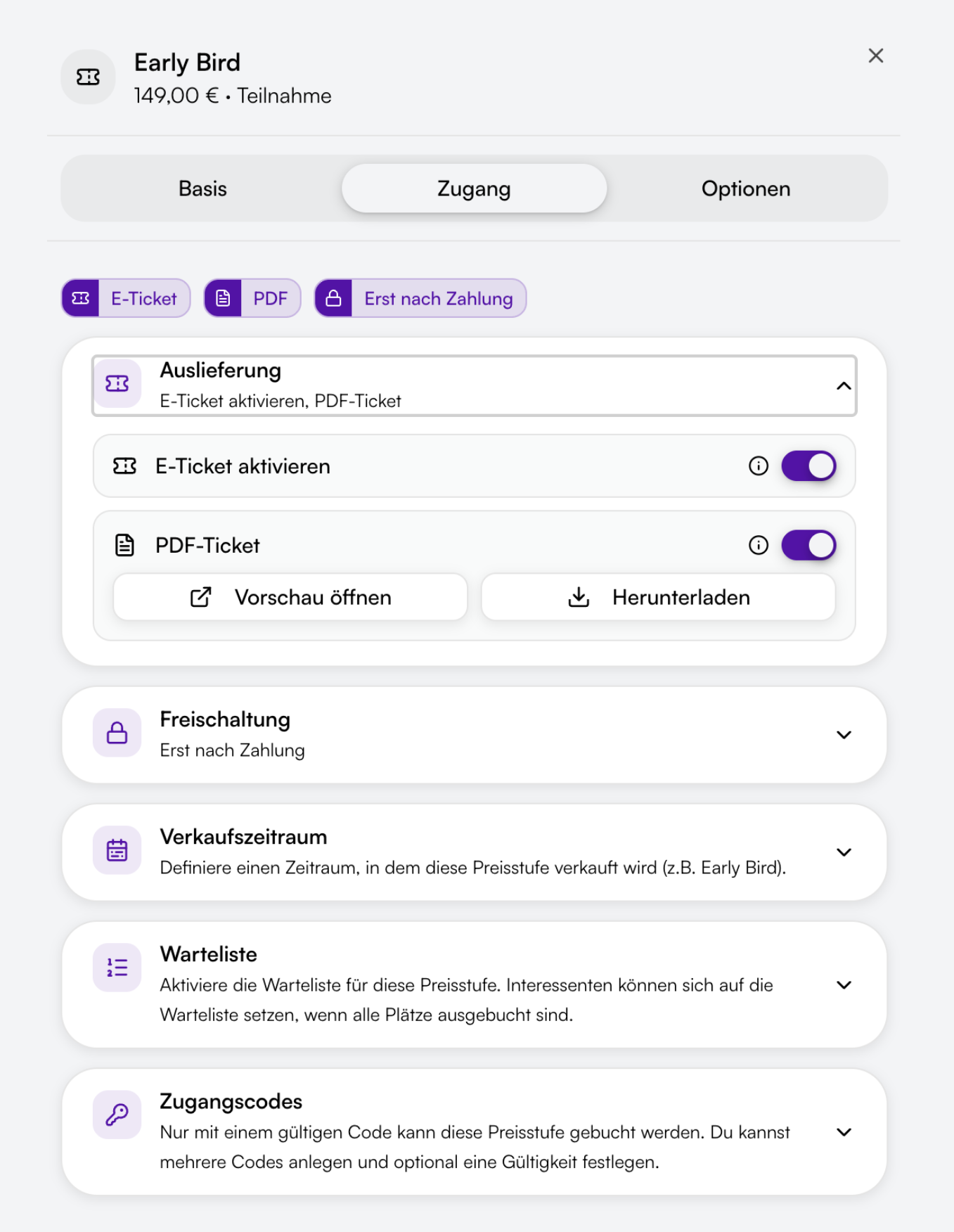
A separate price tier for members, protected with an access code. Only people with the code book at the member price.
Door entry without chaos
PDF and wallet tickets, plus the scanner at the door. Several helpers can scan at the same time.
Eintritt scannen
- MMMax MustermannStehplatz
- MSMara SchulzStehplatz
- LBLukas BeckerStehplatz
- AKAylin KayaSitzplatz
Paid when needed
Free registrations cost you nothing. For paid ones, guests pay online through Orbance Payments, by invoice or bank transfer. The platform fee only applies to online payments.

How it looks in practice
Two short scenarios without customer names.
Annual general meeting
You save the meeting as a template, open registration with a member price via access code, and let helpers scan at the door.
Workshop with a waitlist
Seats are limited. People next on the list get an email automatically. Reminders before the date go to the addresses from your recipient rules.
These examples describe typical flows, not references.
Frequently asked questions
Create a separate price tier for members and protect it with an access code. Only people with the code can book at the member price.
Yes. Create scanner access for your helpers. It does not count toward the team accounts in your plan. The role is called Scan entry.
Yes. Free registrations carry no platform fee.
Yes. Add an extra email field and attach it under Email recipients in addition to the default address.
No. Paying by invoice or bank transfer works without Billing and without a platform fee. Invoice and offer PDFs are created with the Billing add-on.
Among others Event manager, Attendee manager, Accountant and Scan entry. The board can manage events while helpers only scan.
Yes. Date reminders are controlled under Email recipients in the Reminders category.
You enable the waitlist per price tier. People next on the list get an email automatically when seats free up.
Start with your next club event
Registration, member prices and check-in for clubs and associations.
Self-serve plans · Free to Orbit
Typical use cases
- Annual general meetings
- Member assemblies
- Tournaments & competitions
- Workshops & training
- Regional gatherings
- Community and benefit events