
Sell tickets, check guests in
Create events, sell tickets, take payments and check guests in on site. For organizers, agencies and teams.
From event setup to payout
How you go from planning to payout.
- 01
Create the event
Set dates, price tiers, capacity and the form.
- 02
Publish the shop
Check theme and legal pages, then publish.
- 03
Sell
Guests book in the shop; waitlist and dashboard keep you updated.
- 04
Check in
Scan PDF and wallet tickets, including helper access.
- 05
Get paid
Online payments land on your Stripe account; Stripe pays out to your bank.
 Events
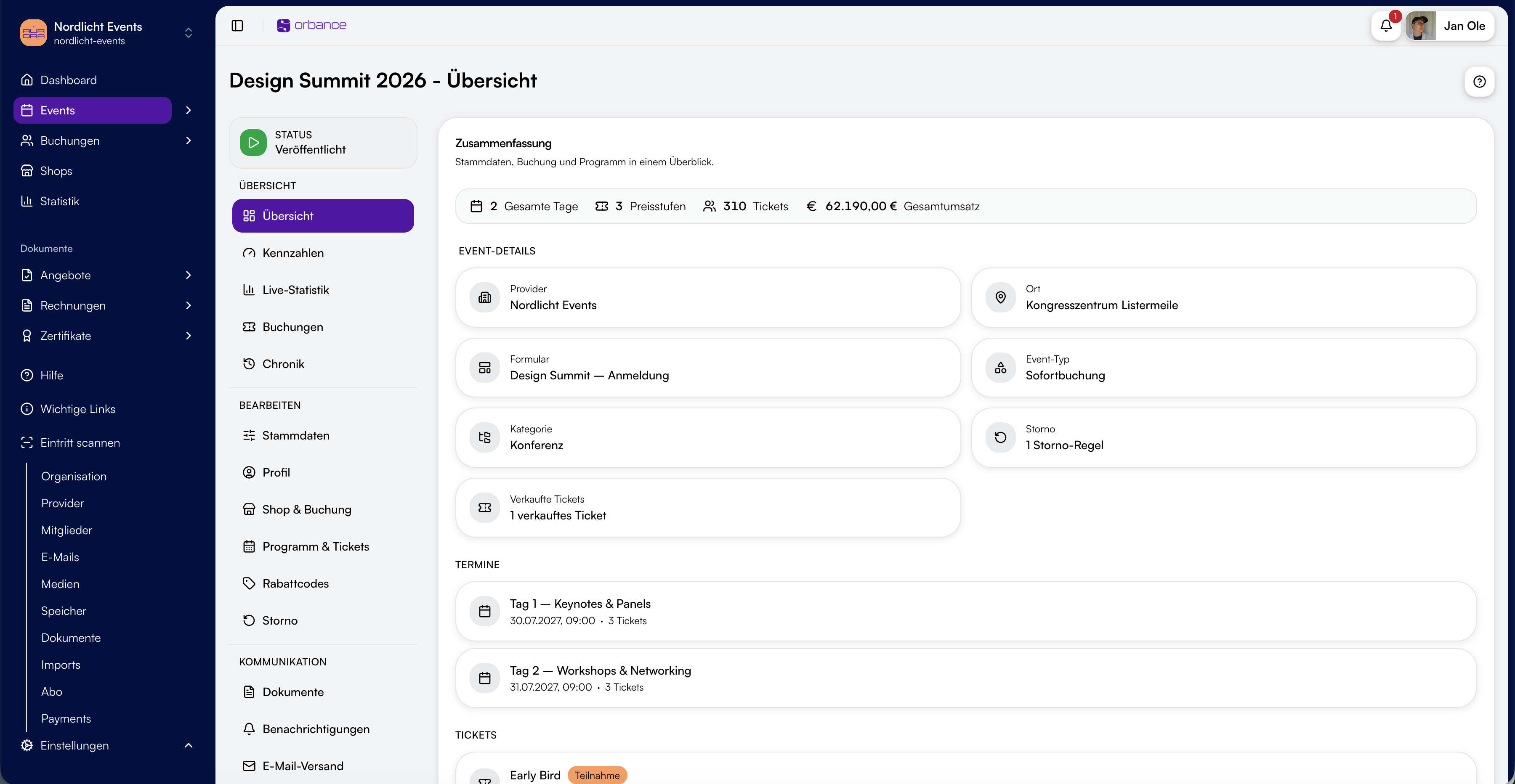
Set up events flexibly
Dates, venues, price tiers, capacity and a waitlist with automatic reopen emails. Per date you can add track, room and speaker as free text. Promo codes, event templates and cancellation rules with deadlines. Publish when sales should start.

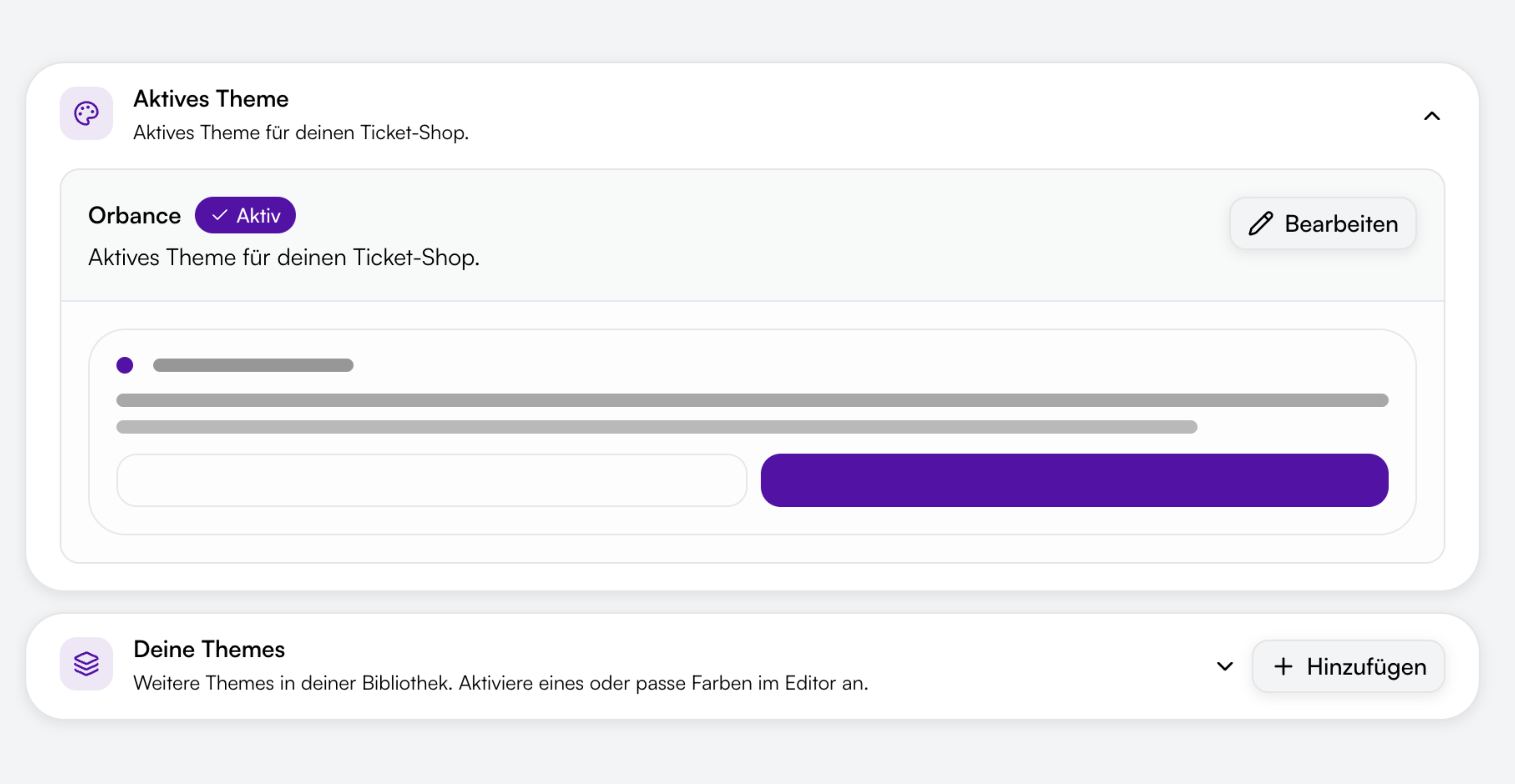
Your shop, your brand
Your look with theme, WordPress embed and optional custom domain. You manage legal pages in the shop. Optional customer login. Guests pick a price tier, go through your form and pay at checkout.
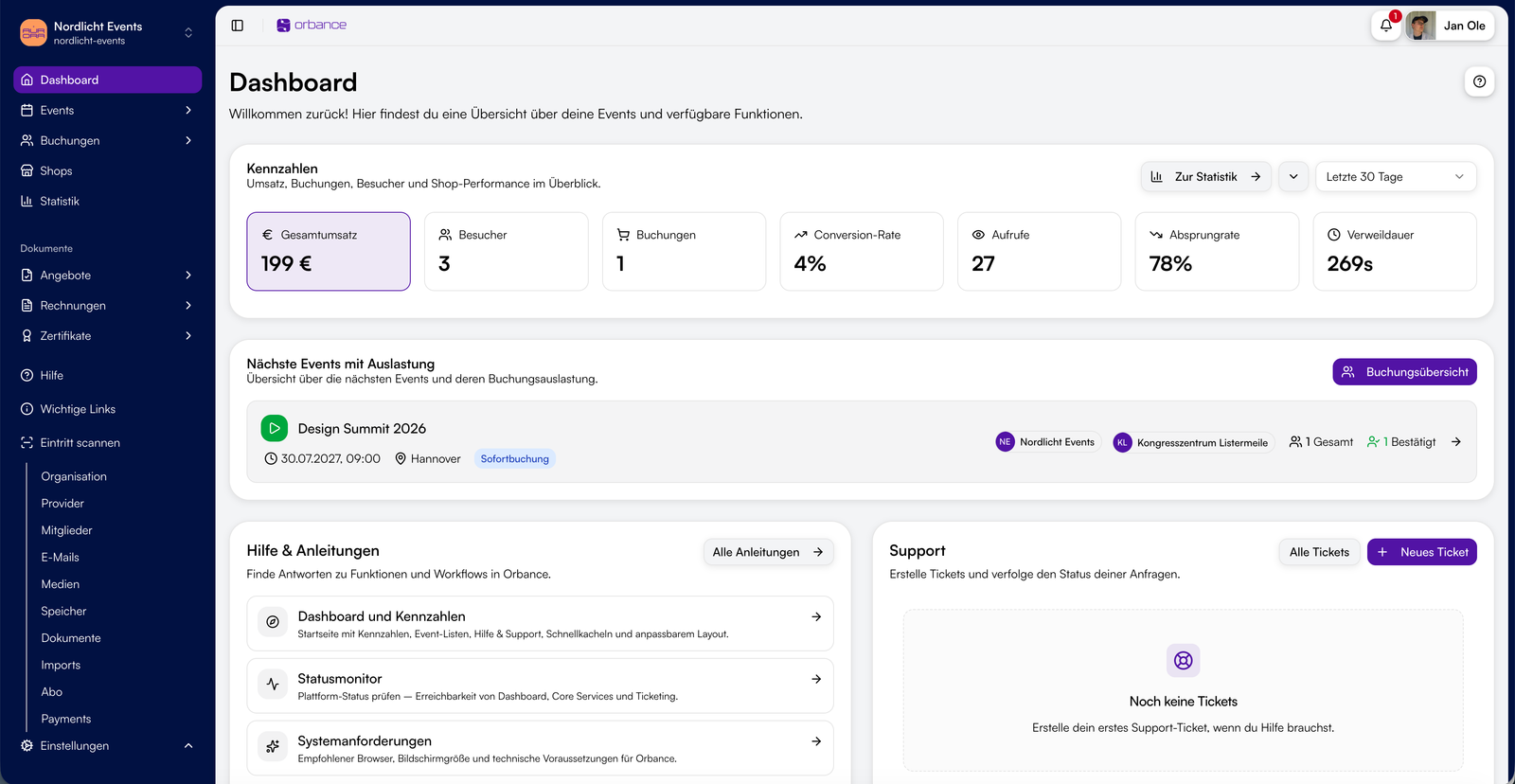
Event dashboard and live stats
KPIs for occupancy, revenue and the sales window. Live stats show sales per date and price tier, including waitlist entries.
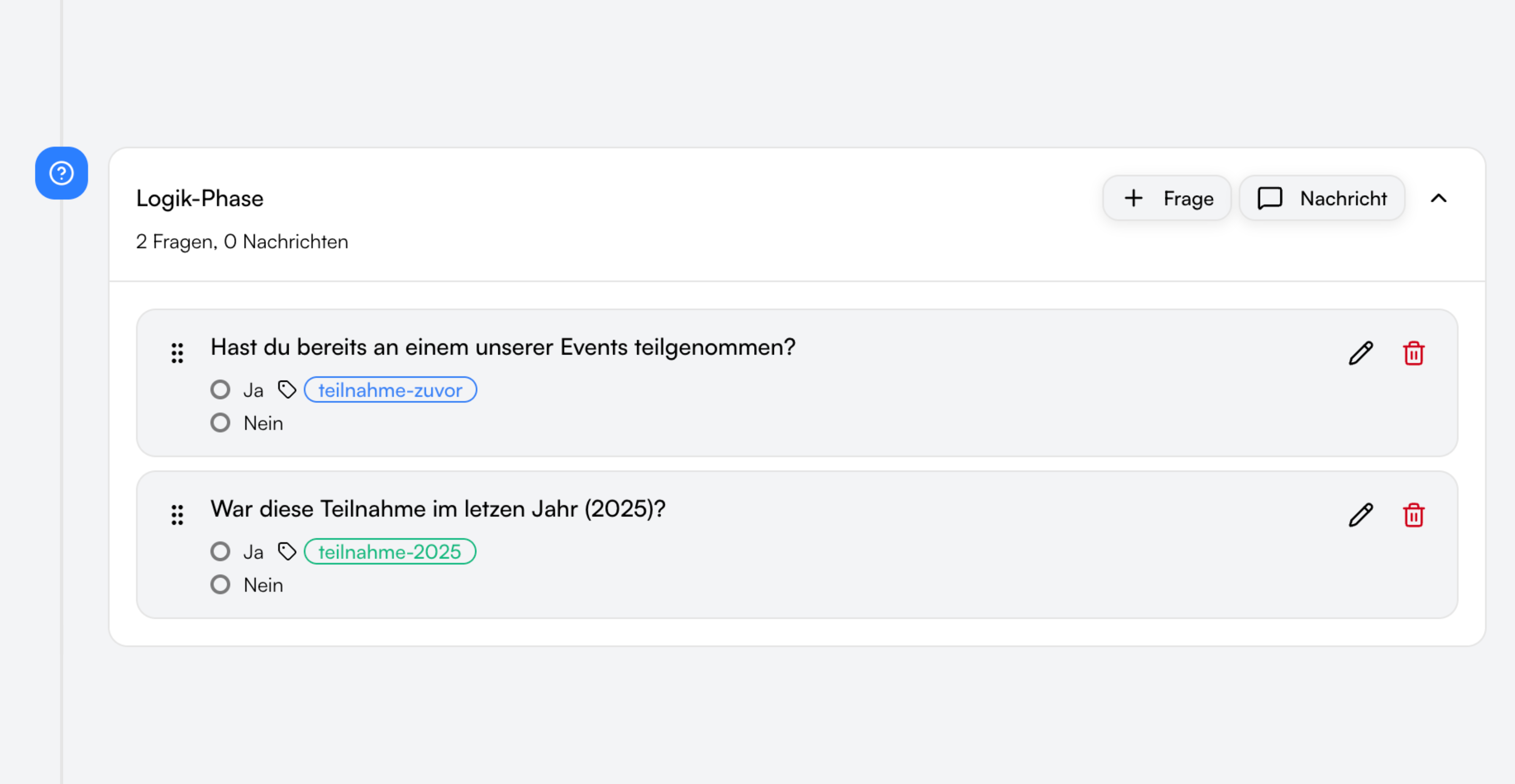
Extra fields and recipient rules
Questions with tag logic, required fields and extra email fields. Under Email recipients you choose who gets which message: Offer and approval request; Accept, decline and booking confirmation; Invoice, cancellation and payment info; Tickets and wallet; Reminders; Certificates; Manual message from the booking.
More on tag logic and recipient rules on the Forms page. View forms
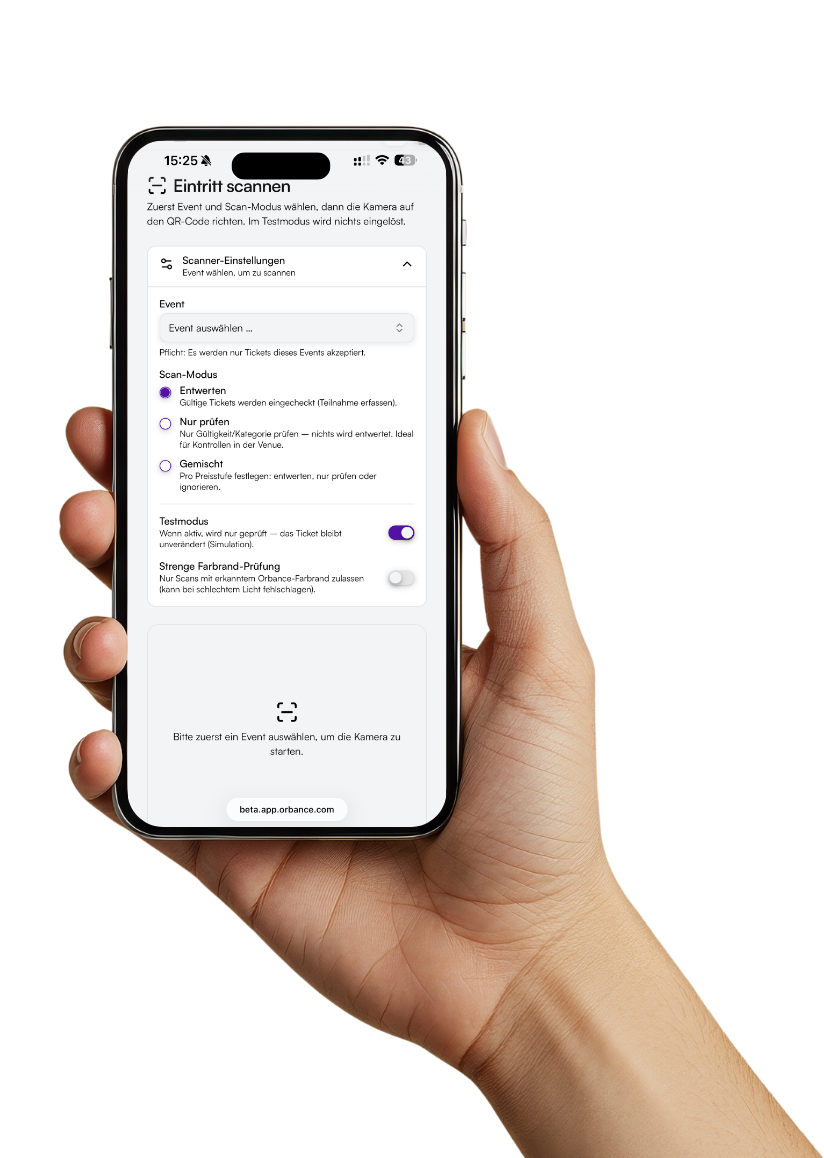
Entry on event day
PDF tickets, Apple and Google Wallet, plus the ticket scanner. Scanner access for helpers does not count toward your plan seats.
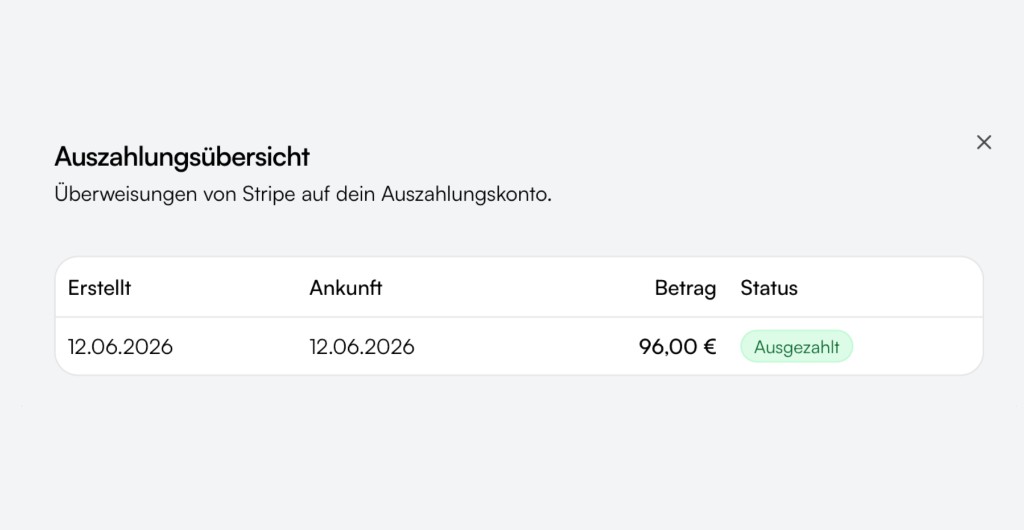
Payments and payouts
Online through Orbance Payments with card, PayPal, Klarna or SEPA. Ticket money goes to your Stripe account; Stripe pays out to your bank on Stripe timelines. You see status and amounts in the portal. Invoice and bank transfer work too. The platform fee applies only to online payments.
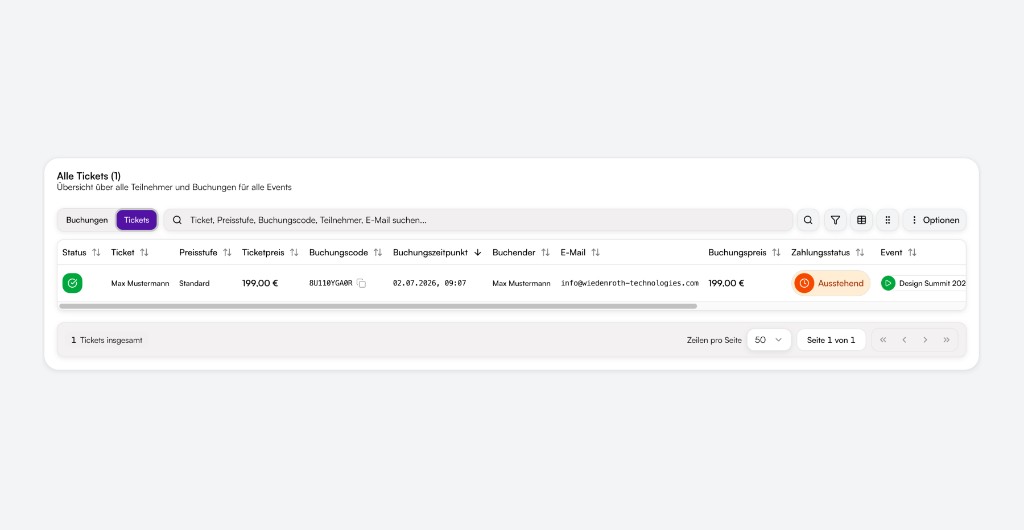
Registrations at a glance
Booking and ticket views, filters, status and manual bookings. Send messages from the booking; recipient rules live in the form.
How it looks in practice
Two short scenarios without customer names.
Open-air with advance sales
You create the event, publish the shop and sell for several weeks. In the evening helpers scan tickets while the dashboard shows occupancy and revenue.
Club night with a waitlist
One price tier sells out. Interested guests join the waitlist and get an email automatically when seats free up. Cancellation rules live on the event.
These examples describe typical flows, not references.
Frequently asked questions
Yes. You create promo codes for percent or fixed amounts on the event. Event templates store recurring setups for the next date.
Online through Orbance Payments by card, PayPal, Klarna, SEPA and more. Invoice and bank transfer come without a platform fee. A direct PayPal integration is coming soon.
Guests get their ticket as a PDF and for Apple or Google Wallet. At the door you scan with a phone. Helpers get their own scanner access.
Yes, via forms: add an extra email field and attach it in the recipient rules for Invoice, cancellation and payment info.
KPIs for occupancy, revenue and the active sales window. Live stats show sales per date and price tier plus waitlist entries.
You enable the waitlist per price tier. Guests join in the shop and get an email automatically when seats free up.
Yes. On the event you define tiers with deadlines and refund rates. Guests can cancel in the shop under your rules. Cancellation emails are controlled under Email recipients for Invoice, cancellation and payment info.
With Orbance Payments, ticket money goes to your Stripe account. Stripe pays out to your linked bank account. In the portal you see status and amounts. The platform fee is taken on the online payment.
Start with your next event
Start for free and upgrade when you need more events or a bigger team.
Self-serve plans · Free to Orbit
Typical use cases
- Concerts & live music
- Clubs & parties
- Festivals
- Open-air events
- Sports events
- Culture & theater
- Associations & communities
- Agencies & promoters
- Workshops & meetups
- Fairs & markets
- Company events
- Community events