
 Forms
FormsSmart registration forms with tag logic
Design forms with questions, data capture and messages. Answers set tags – and control which fields, hints and tickets appear in the booking flow.
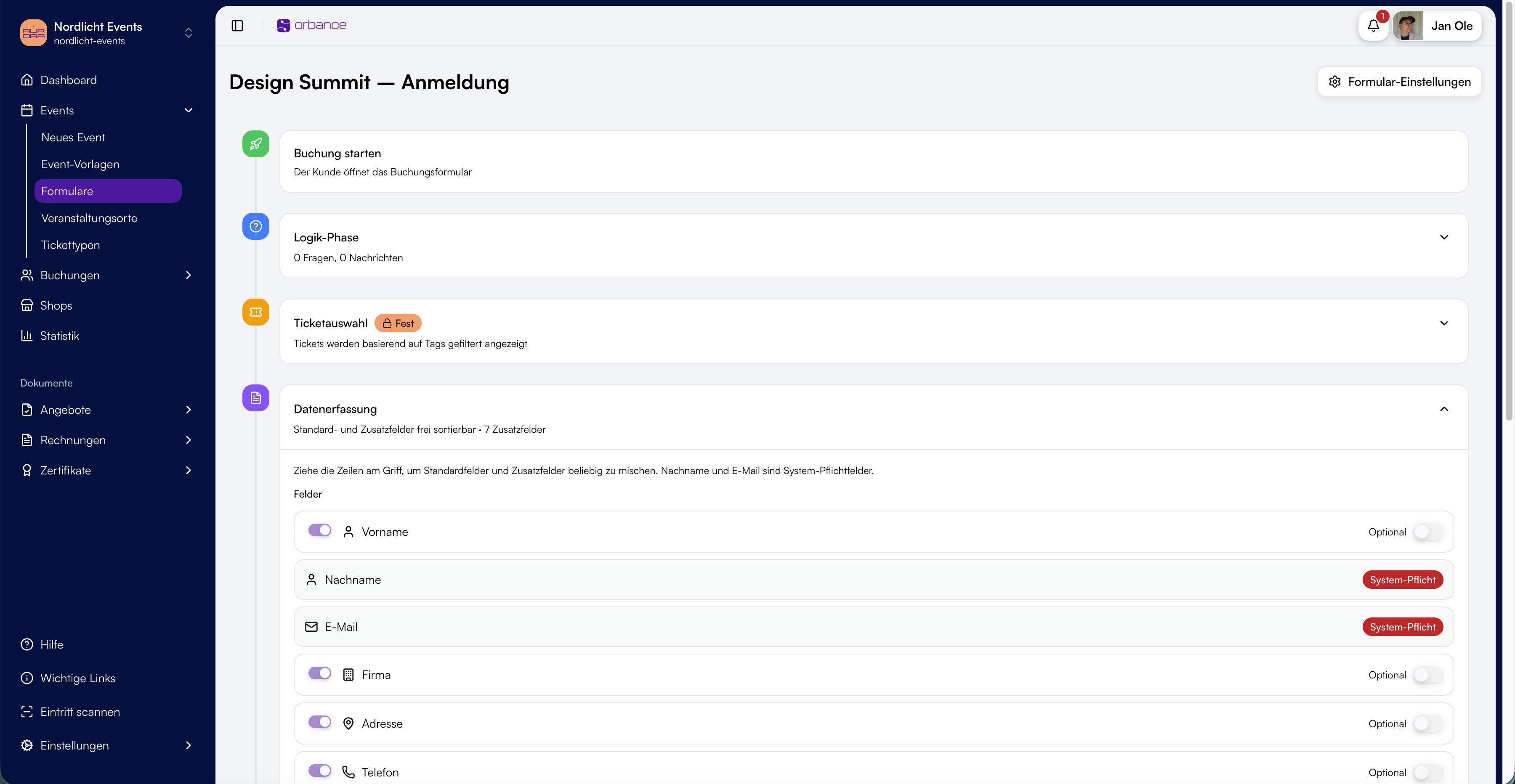 Reuse
ReuseOne template, many events
Create form templates at organization or provider level and assign them to events. Duplicate existing forms and get started faster on your next event.
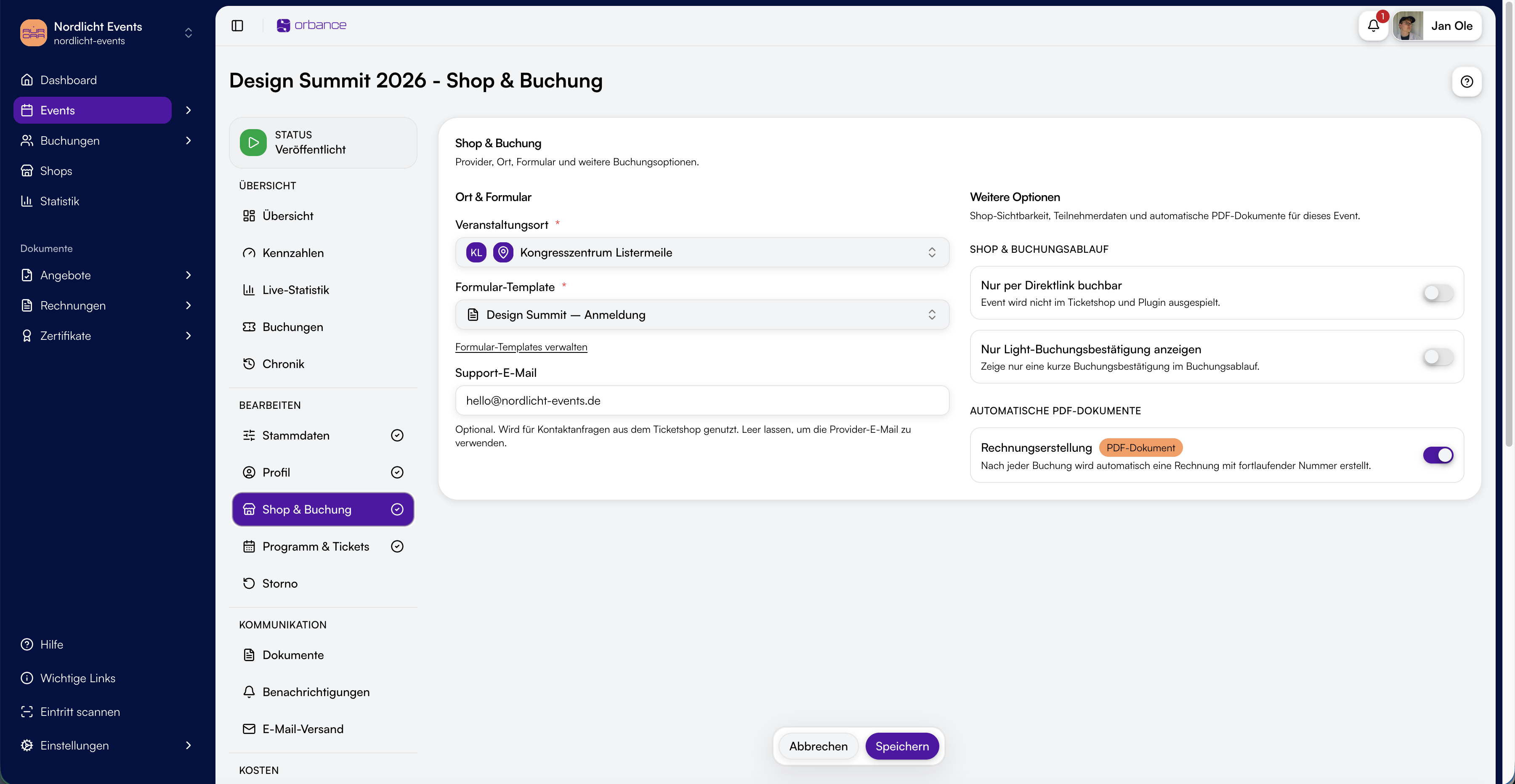 Form editor
Timeline editor for the booking flow
Arrange questions, standard and custom fields, messages and ticket steps in a clear order. The ticket shop follows your configuration exactly.
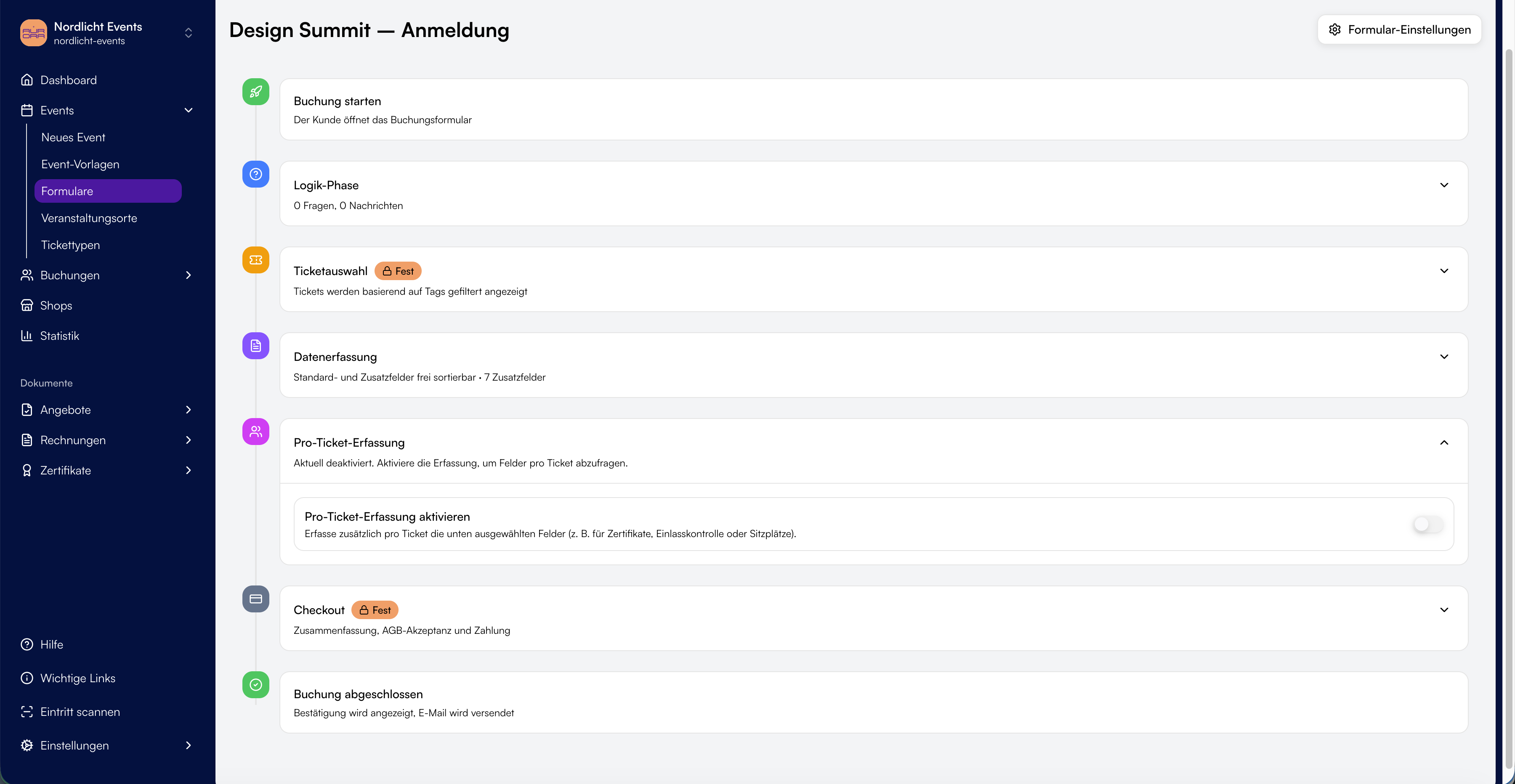 Management
Overview and archive
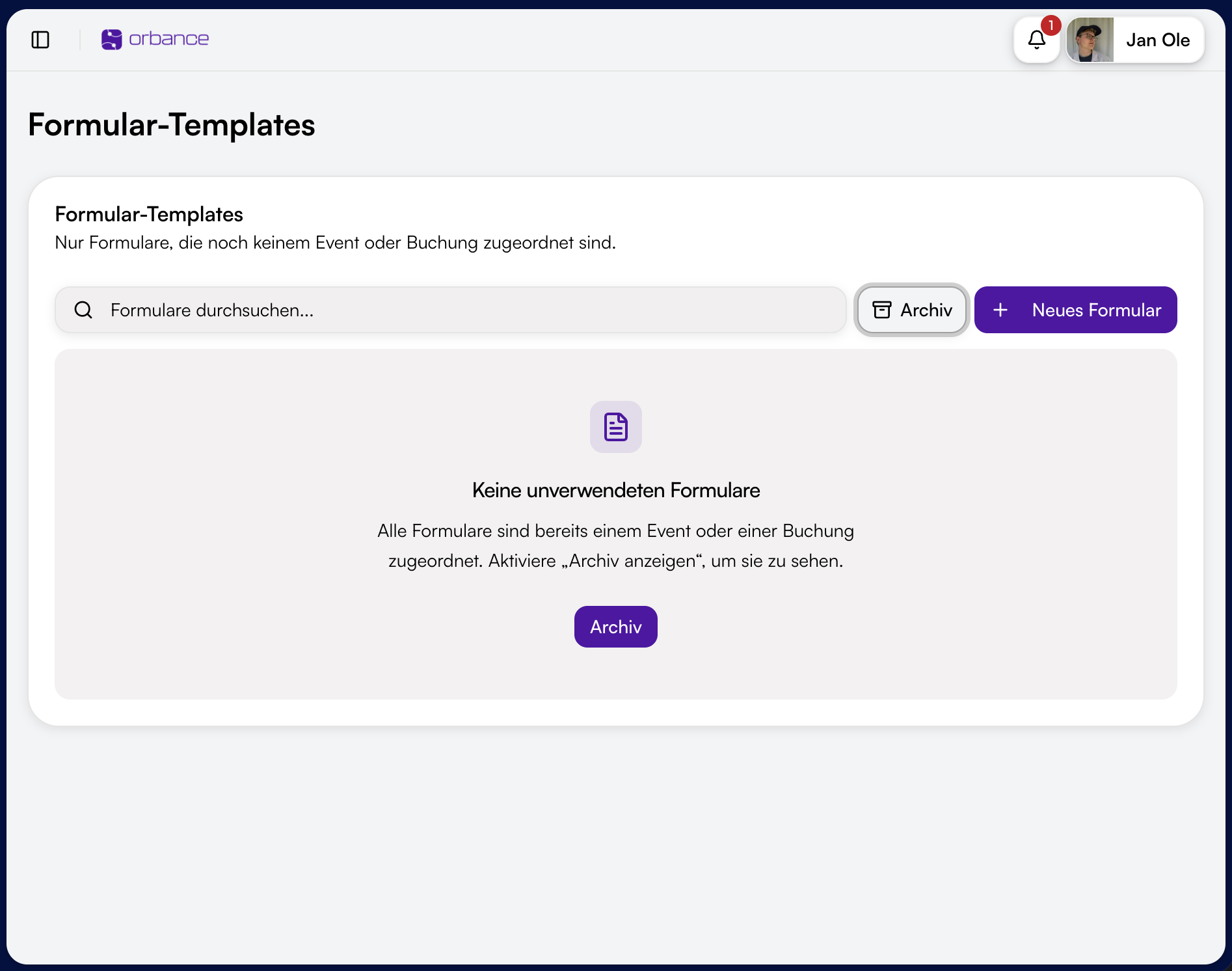
Keep track of all forms – with provider and last updated. Find unused templates separately; forms already in use remain traceable in the archive.

Fields and tickets based on answers
Tags are the control system in forms: answers set tags, tags control visibility – with AND or OR logic.
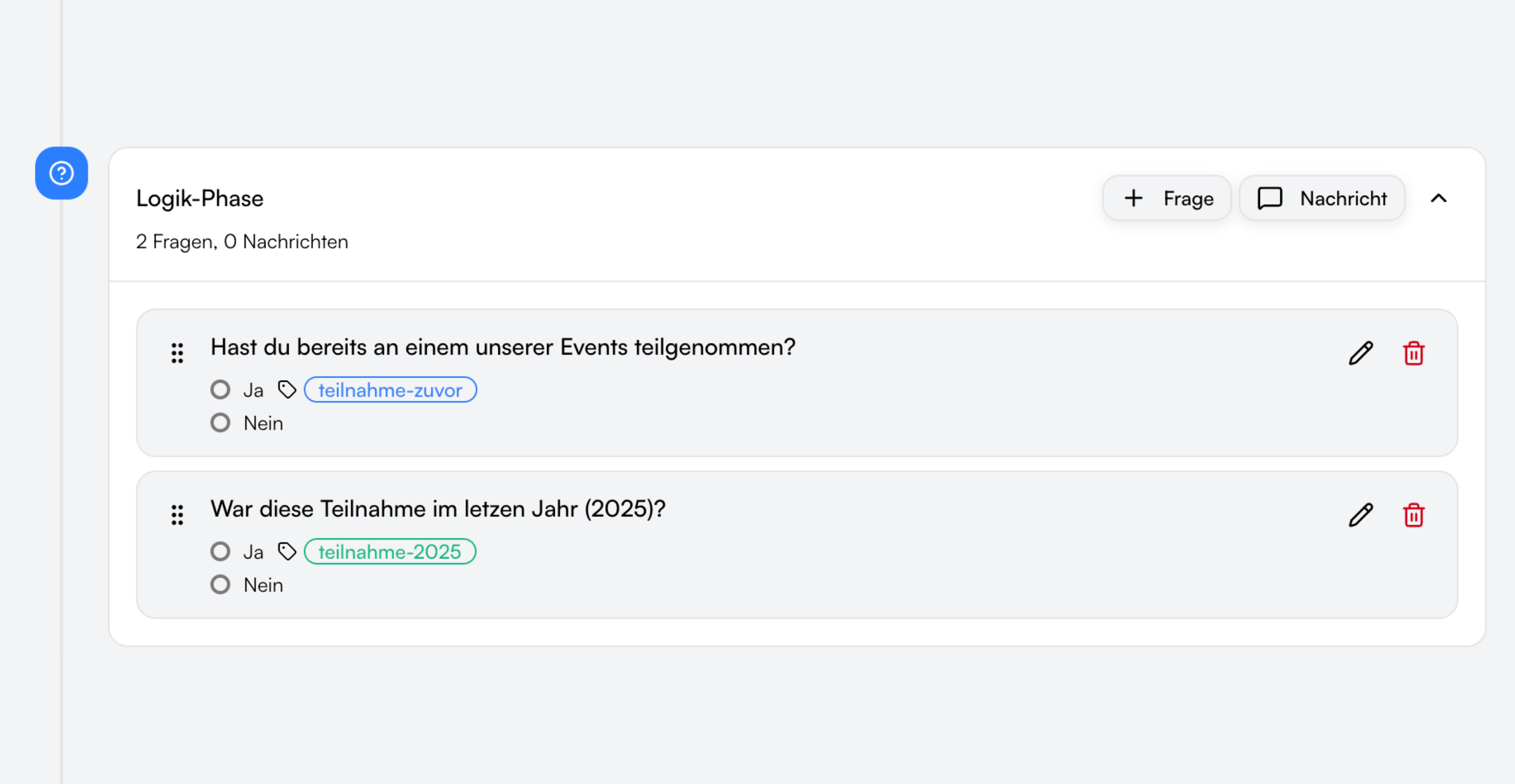
Set tags through answers
Define which tags each yes/no or multiple-choice answer sets – e.g. "Accommodation requested" or "Member". Tags become active as visitors progress through the form.
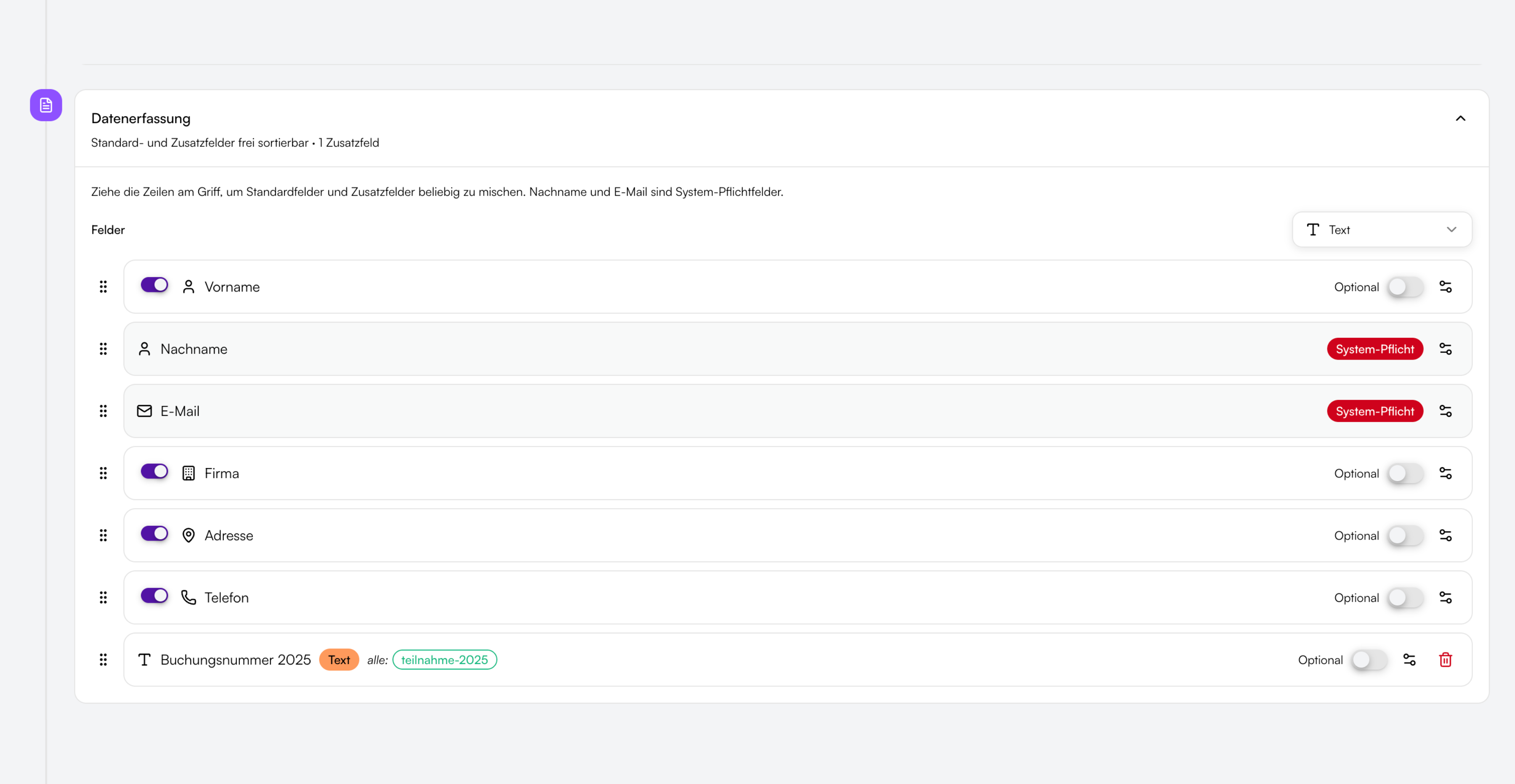
Show fields & messages conditionally
Link standard fields, custom fields, questions and hints to tags. Show them only when all required tags are set (AND) or at least one (OR).
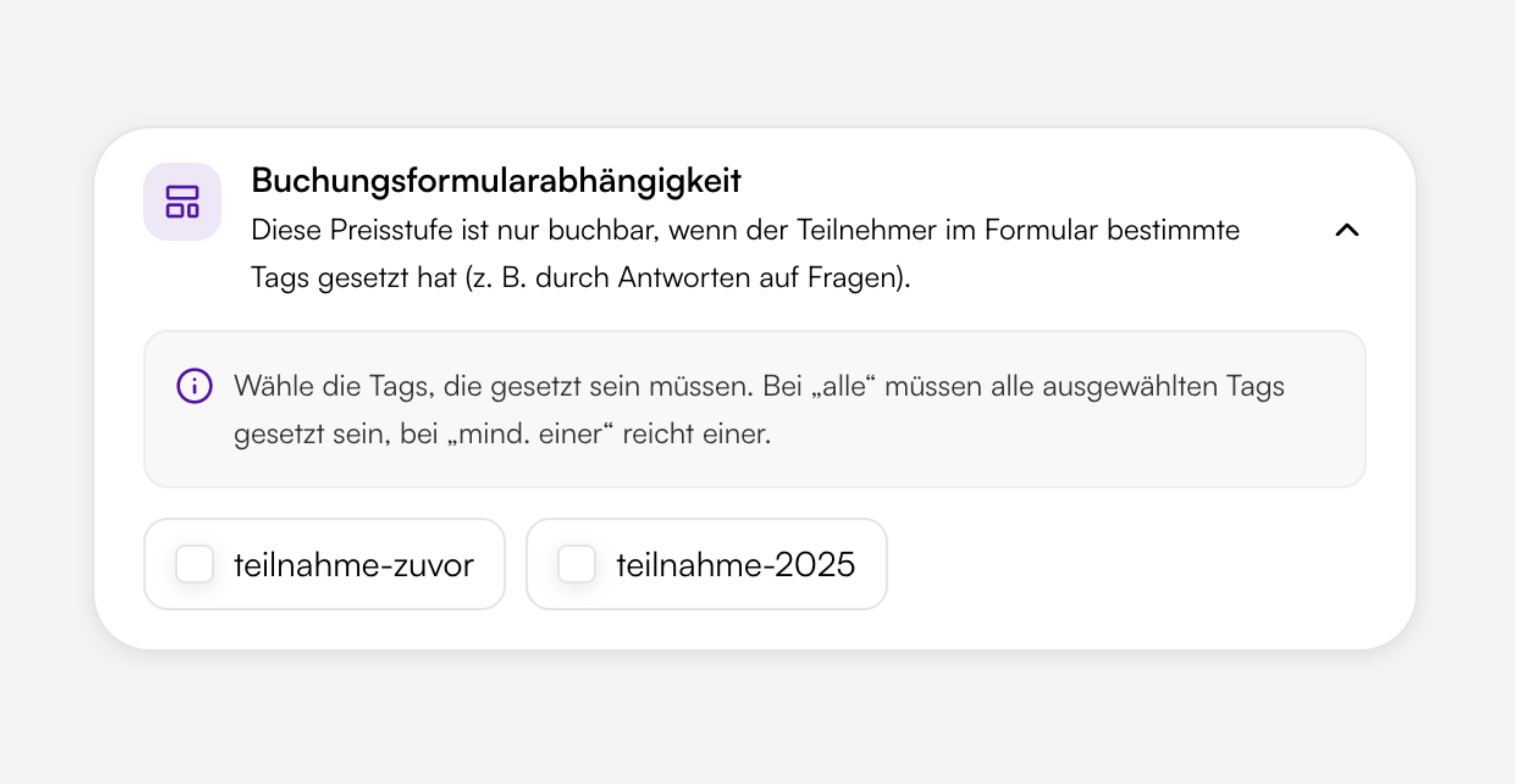
Show tickets & price tiers conditionally
Assign tags to price tiers in the event – e.g. accommodation only when the matching answer was given. The ticket shop shows only tiers whose tag condition is met.
Standard fields, custom fields and conditions
Collect contact details and custom information – with validation, required fields and optional tag dependencies.

Standard fields
First name, last name, email, address and phone – individually enabled, markable as required and optionally visible only for certain tags.

Custom fields
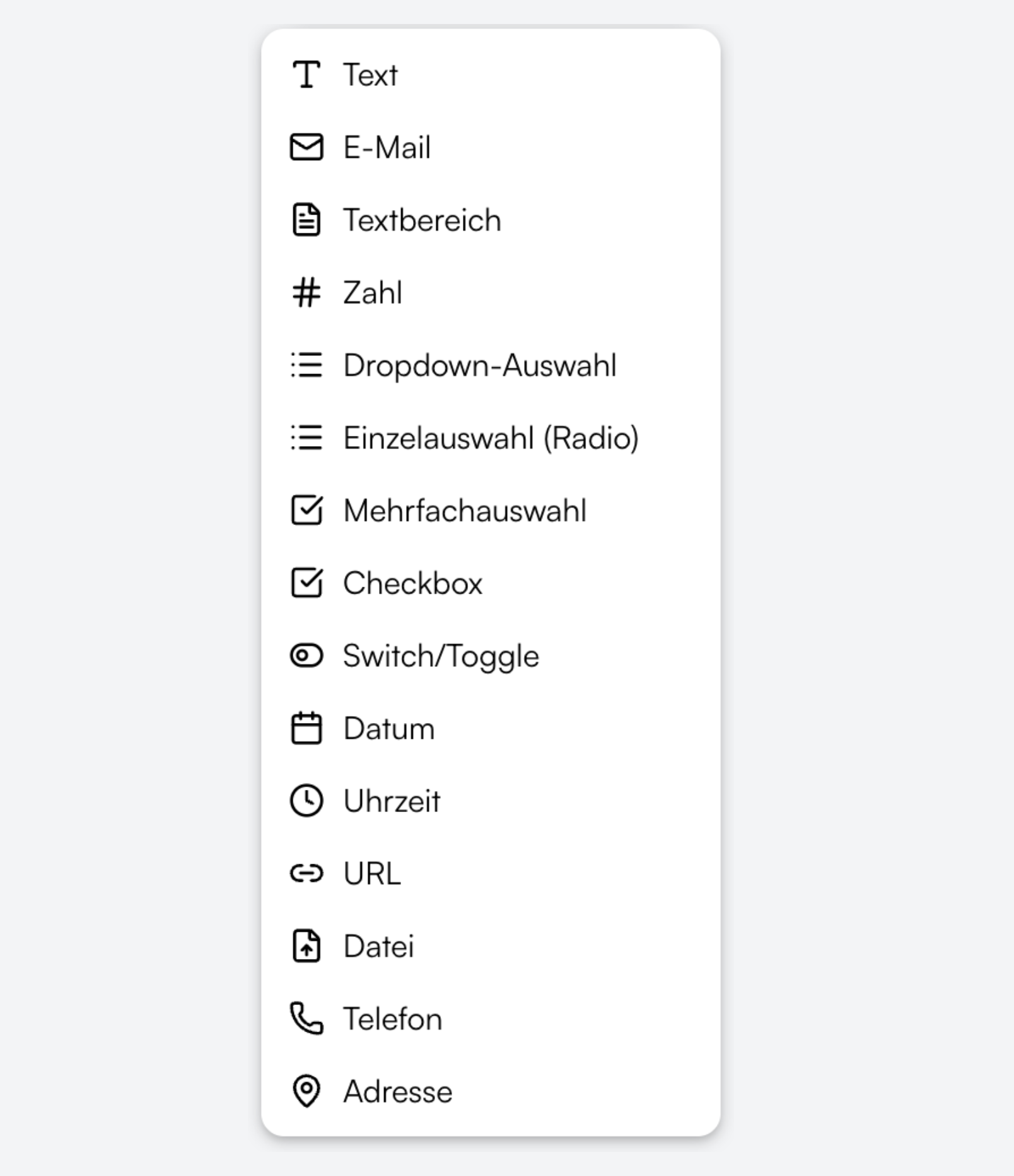
Text, multiline text, number, date, time, URL, dropdown, radio, checkbox, switch, address and file upload – for every event requirement.

Conditional display
Every field can be linked to tags: show it only when the participant gave the matching answers – with AND or OR logic.

Logged-in users
Signed-in visitors see their profile data in the form – the booking is automatically linked to their account.
From template to conditional booking
Four steps from form template to personalized registration in the ticket shop.
Connected to events, tickets and bookings
Forms are the entry point to the booking flow – not a separate module alongside it.

Ticket shop & WordPress
Questions, fields and ticket selection run as one continuous flow in the ticket shop – also embedded via WordPress plugin.

Bookings & attendees
All answers and form data are linked to the booking and managed in Bookings & attendees.

Configurable per event
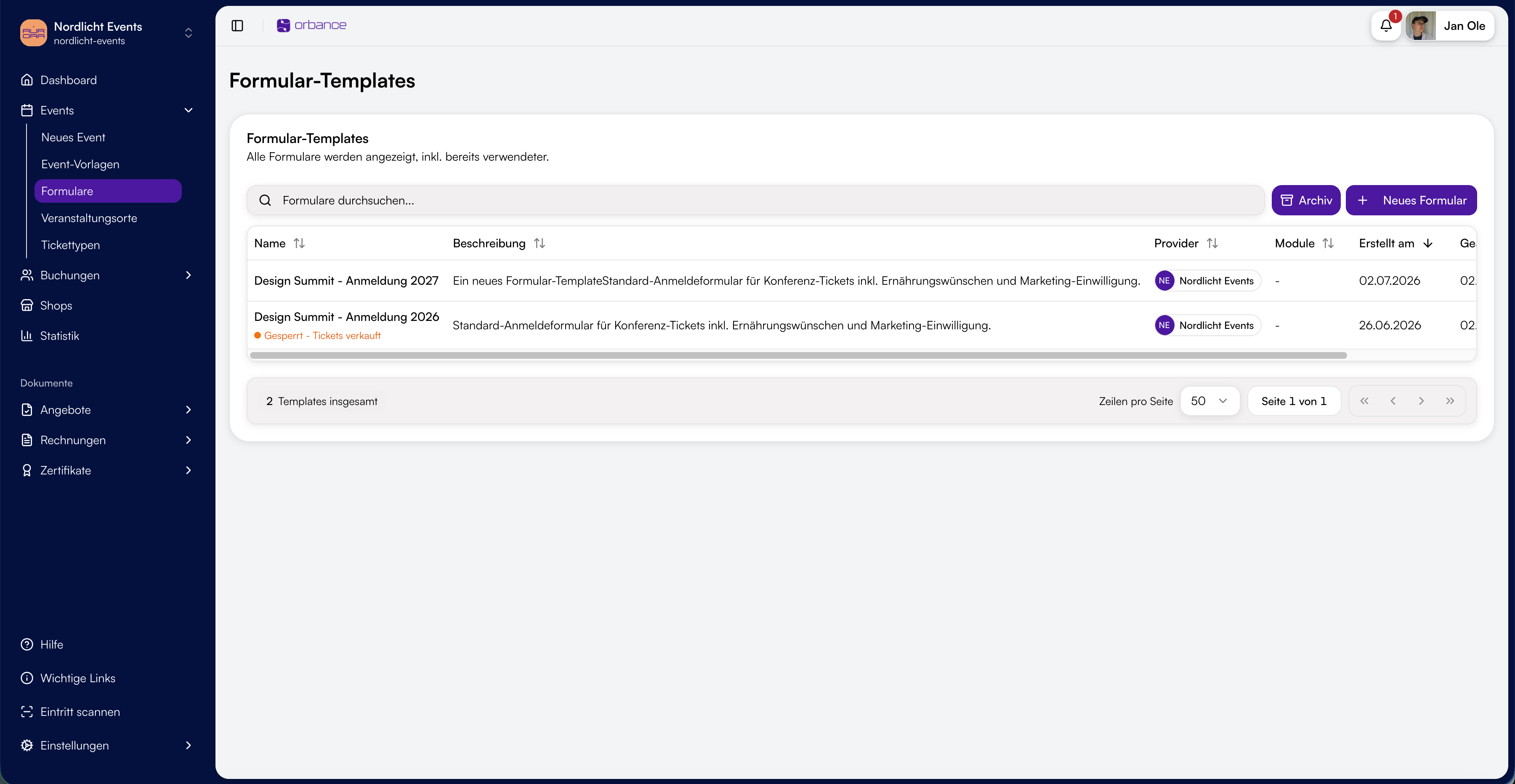
Each event uses one form template. Tag rules on price tiers are configured in the event programme.

Ticket types
Assign ticket types to price tiers – e.g. participation, accommodation or add-on. Combinable with tag logic for matching offers.

Ready for forms with smart logic?
Create form templates, control fields and tickets via tags – and collect only the data you actually need.
From the blog
Related articles on this topic.
Frequently asked questions about forms
Short answers on tags, conditional display, templates and form locking.
Form templates are registration forms with questions, data capture and messages in a fixed order. You assign them to an event – visitors go through the flow in the ticket shop.
Answers to questions can set tags – e.g. for "Accommodation? → Yes". Fields, messages and price tiers can be linked to tags: with AND all tags must be set, with OR at least one. Only relevant inputs and tickets appear.
Yes. Enable standard fields, add custom fields and include yes/no or multiple-choice questions. Every component can optionally be bound to tags.
Yes. Form templates belong to the organization or a provider and can be assigned to events. Duplicate templates for variants and manage unused forms separately from the archive.
Once a form is used in an event with sold tickets, the flow is locked. You can still edit name and description – the structure stays stable for existing bookings.