
Registration for seminars and workshops
Set dates, manage seats, collect registrations and check people in on site. For training providers, trainers and teams running open seminars.
From the date to the certificate
How an open seminar or workshop typically runs.
- 01
Create the date
Set capacity, price tiers and the waitlist.
- 02
Open registration
Form, recipient rules and a public seminar page.
- 03
Run the session
Reminders before the date, status updates and check-in.
- 04
Proof of attendance
Create attendance certificates from the registrations.
 Events
Seminar dates with capacity and waitlists
Multi-day seminars as dates in one event, with price tiers, capacity and waitlist per tier including automatic reopen emails. Templates for courses that repeat. Your shop shows the Seminar or Workshop category on the event.


Registration, follow-ups and recipients
Required fields, conditional questions via tags, and names per ticket. Example: employees register themselves, the invoice goes to an extra email field for accounting. Recipient rules cover Offer and approval request, Accept, decline and booking confirmation, Invoice, cancellation and payment info, and Reminders.
Public seminar page
Your own registration page with theme, WordPress embed or optional domain, so the seminar is publicly bookable.

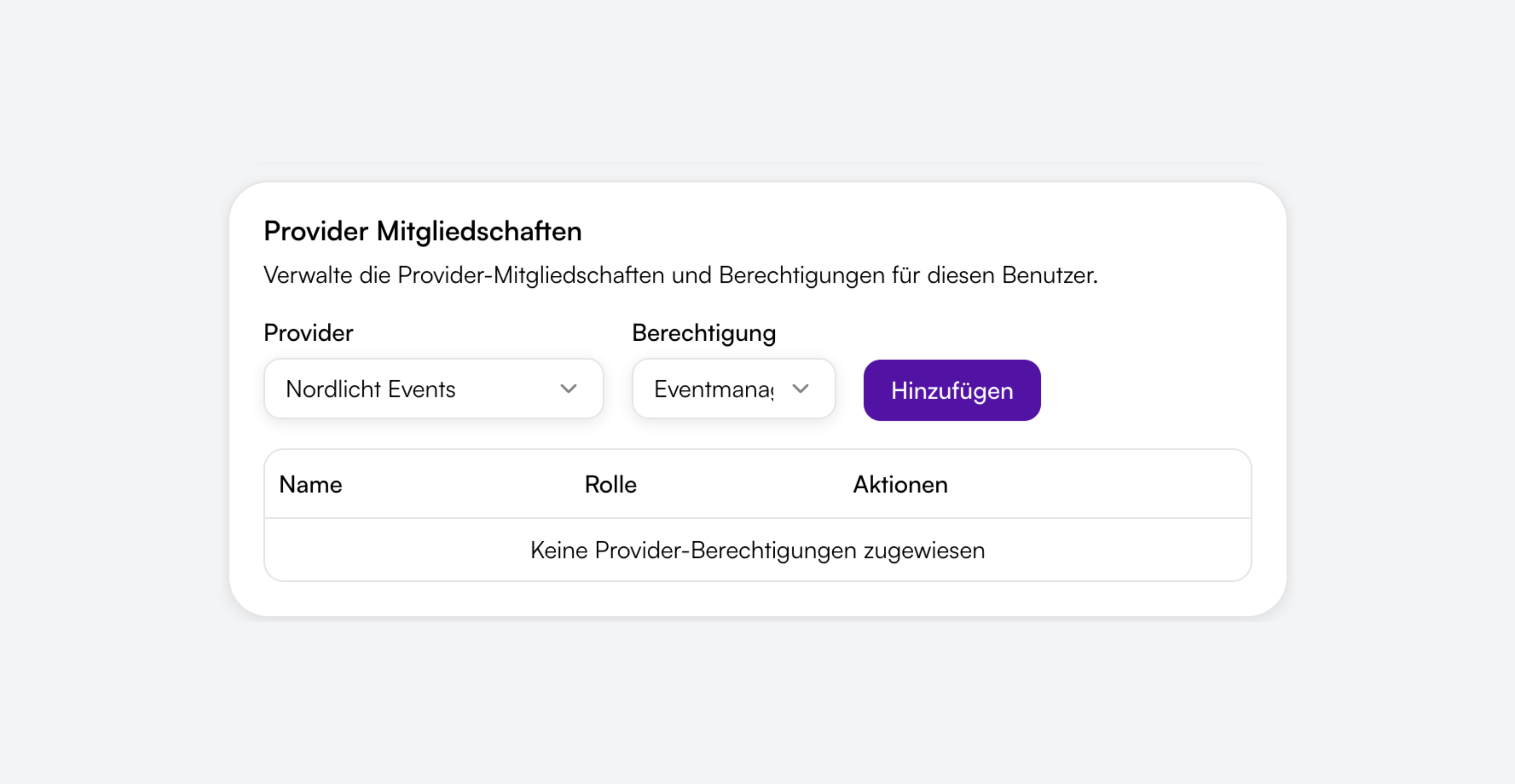
Roles for seminar ops
Event managers maintain dates and the shop. Attendee managers see bookings and the scanner. That keeps planning and care separate.
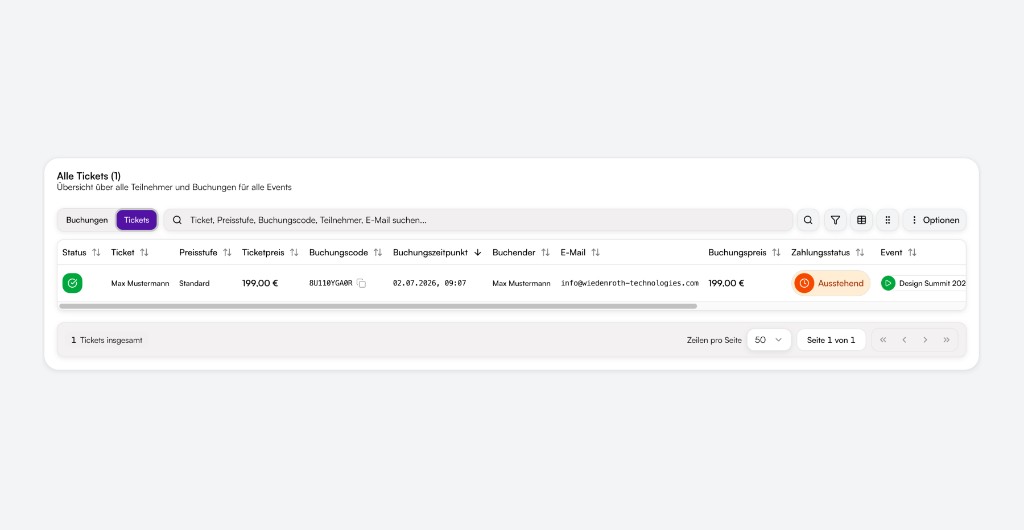
Keep attendance and status in one place
Filter registrations, update status and add people manually. With Booking with approval you review each registration before it counts. Manual messages from the booking use the same recipient rules.
Door entry on seminar day
PDF and wallet tickets plus the scanner on seminar day. Several helpers can scan at the same time.
Eintritt scannen
- MMMax MustermannStehplatz
- MSMara SchulzStehplatz
- LBLukas BeckerStehplatz
- AKAylin KayaSitzplatz
Free or paid
Free seminars cost you nothing. For paid ones, guests pay online through Orbance Payments, by invoice or bank transfer. The platform fee only applies to online payments.

Certificates and invoices
With Orbance Certificates you create attendance certificates from registrations, one by one or for many bookings at once. Invoices and offers via the Billing add-on, included with Institutional.

How it looks in practice
Two short scenarios without customer names.
Open specialist workshop
You publish the seminar page, collect registrations with a capacity limit and send reminders before the date. On the day you scan tickets at check-in.
In-house training
Employees register themselves. The invoice goes to accounting via recipient rules. Afterwards you create attendance certificates from the registrations.
These examples describe typical flows, not references.
Frequently asked questions
Like any event: set dates, price tiers and a registration form, then publish. Your shop shows the Seminar or Workshop category on the event.
Yes, with the Orbance Certificates module. You create them from registrations, one by one or in bulk. It is available on request and included in Orbance Institutional.
Save a seminar as a template or duplicate it, and the next date is ready quickly. Multiple days are dates within one event.
Add an extra email field for the billing address in the form and attach it under Email recipients for invoice and payment messages. The registration stays with the attendee.
Yes. Date reminders are controlled under Email recipients in the Reminders category.
You enable the waitlist per price tier. Interested guests get an email automatically when seats free up.
Event manager for dates and shop, Attendee manager for bookings and scanner. Anyone who needs both gets both roles.
Start with your next seminar
Registration, seats and check-in for open seminars and workshops.
Self-serve plans · Free to Orbit
Typical use cases
- Open workshops
- Specialist seminars
- Half-day trainings
- Multi-day intensive dates
- In-house trainings
- Community learning formats