
Tickets for concerts, readings and comedy
Create dates, control capacity per price tier and sell tickets. Door entry with QR, wallet and scanner.
From the night to door entry
How you sell tickets for concerts, readings and comedy.
- 01
Create the night
Set the date, price tiers and quotas.
- 02
Open the shop
Publish theme, venue on the map and the form.
- 03
Sell
Sell tickets and use waitlist plus patron pricing.
- 04
Check in
QR, wallet and scanner on the night.
 Events
Plan your nights, cap the seats
Add dates and set price tiers. Templates and duplication for series nights. Seats are controlled per tier; quota and waitlist details are in the next section.


Quotas, waitlists and promo codes
Capacity per price tier, for example stalls or standing. When a tier sells out, guests can join the waitlist and get an automatic reopen email. Promo codes for advance sales and campaigns.

Extra fields and recipient rules
Extra questions for guests and extra email fields. Under Email recipients you attach fields to Invoice, cancellation and payment info, for example sending the invoice to accounting.
Shop, theme, venue and map
Shop in your look with a theme. Optional WordPress embed or custom domain. Events appear on the map in the shop. Guests pick a price tier and book in a few steps.

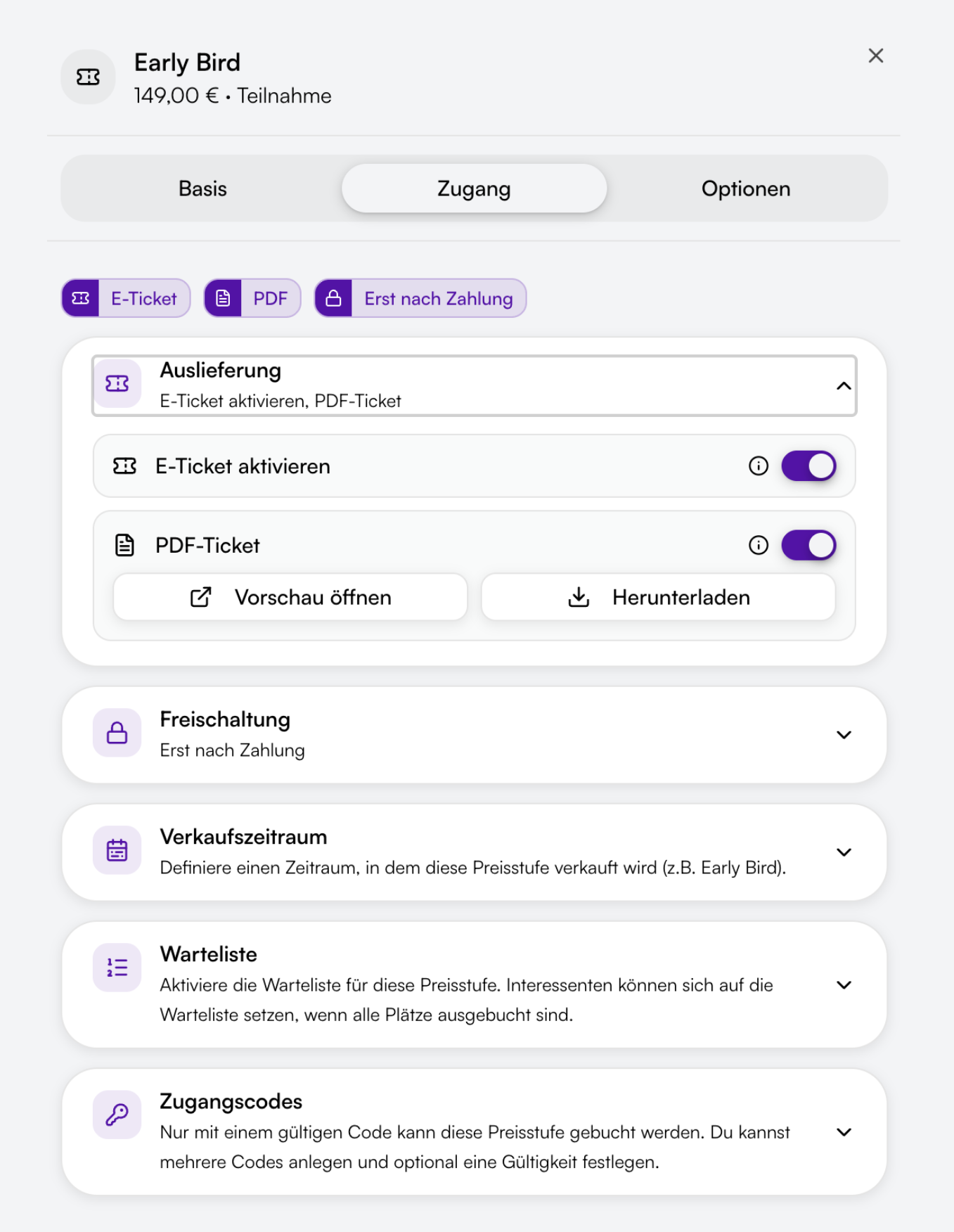
Access code for patrons
A separate price tier for a patrons' circle or member price, protected with an access code. Only people with the code book at that price.
Door entry for the night
QR tickets as PDF or in the wallet, scanner at the door. Scanner access for evening helpers without using a plan seat.
Eintritt scannen
- MMMax MustermannStehplatz
- MSMara SchulzStehplatz
- LBLukas BeckerStehplatz
- AKAylin KayaSitzplatz
Free and paid tickets
Free entry costs you nothing. Paid tickets run online through Orbance Payments by card, PayPal, Klarna or SEPA. The platform fee only applies to online payments.

How it looks in practice
Two short scenarios without customer names.
Concert series in the same hall
You save the night as a template, duplicate it for the next show and publish the shop with venue and map.
Reading with a patrons' circle
Public tickets plus a patrons' price behind an access code. When a tier sells out, people next on the list get an email automatically.
These examples describe typical flows, not references. There is no seating chart with seat selection.
Frequently asked questions
No. Orbance sells tickets by price tier, for example stalls, balcony or standing, each with its own allocation. There is no seating chart with seat selection.
Anything with general admission or unreserved seating: concerts, readings, comedy and club nights.
Yes. You set the capacity per price tier. When a tier sells out, guests can join the waitlist and get an automatic reopen email.
Yes. Add an extra email field and attach it under Email recipients for Invoice, cancellation and payment info.
Save a night as a template or duplicate the event. The next date starts with the same setup.
Yes. Events appear on the map in the shop. You can add location notes per date.
Yes. Create a separate price tier and protect it with an access code. Only people with the code book at that price.
Start with your next show
Sell tickets, keep an eye on capacity and check guests in on the night.
Self-serve plans · Free to Orbit
Typical use cases
- Concerts
- Readings & talks
- Club and open-air nights
- Comedy & cabaret
- Culture festivals
- Touring shows